
Website for barbers
A new client searching for a barber in their town looks at three things: how the cuts look, what they cost and whether they can book now. Instagram shows the photos, but the website is what turns up on Google.
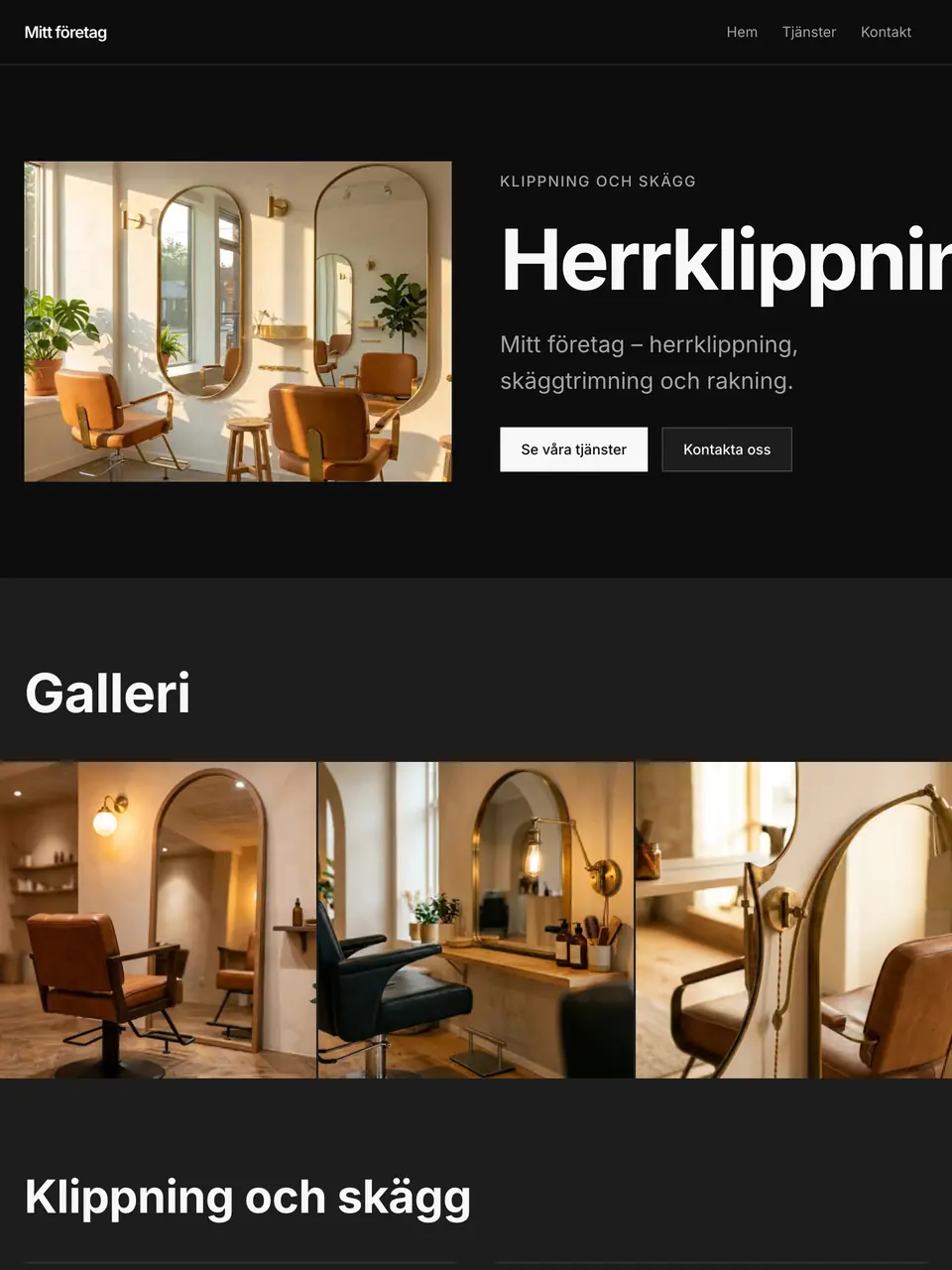
With Snabbsite you get a sharp barber page with services, prices, a gallery and a booking link. Add your own photos as you go, and change prices straight from your phone.
The price list needs to be complete, not approximate
A barber's customer wants to know exactly what his cut costs before he sits down. Write out each line separately: cut, cut with beard, beard only, straight-razor shave, clipper cut, children's and concession rates if you have them, and colour if you do it. Say roughly how long each takes too. Prices come from your own list; a blank price stays blank rather than a number being invented.
Instagram shows the work, the website catches the search
Nearly every barber runs the photos in a feed, and that works for the people already following. The problem is the man who just moved to town and searches for barber plus neighbourhood - a post can't be googled. Let the website be the part that's always true: address, opening hours, prices and booking, with a link out to the feed for the day's photos.
Drop-in or appointments is the most asked question
Write out which applies, and if both: which hours are drop-in, how long the wait usually is on a Saturday, and whether you can call ahead. If you have a booking system, its link goes in the booking button and you keep the system you already have. Also write out what happens if someone misses a booked slot - that's the rule that otherwise becomes an argument in the chair.
Present the barbers individually
In this trade the customer books a person, not a shop. A photo and two lines per barber - what he's best at, which languages he speaks, which days he works - lets a new customer dare to book a particular chair. If someone has their own prices, enter them as their own rows. It also helps when someone leaves: the customer knows who's still there instead of simply not coming back.
Why you need a website
- A price list for cuts, beards and shaves that is easy to change
- A gallery where your best cuts get room to shine
- A booking button that points to the booking system you already use
- Address and hours shown when someone searches for a barber nearby
- Room for walk-in hours and how they work at your shop
What's included
A sharp barber website with services, pricing and easy booking.
- Ready-made website
- Colours & typography
- Services & pricing
- Frequently asked questions
- Contact form
- AI that knows your business
- Booking section
- Gallery
Frequently asked questions
Yes. Put walk-in times in your opening hours and let the booking button cover the slots that can be booked ahead.
No. Phone photos in good light often work best, and you can swap them out whenever you like.
Yes. Each barber can have a name, photo and short text, so clients know who they are booking with.
Cannot find your question? All questions and answers
Ready to get started?
Describe your business and we build your website in minutes. Everything stays editable afterwards.